
Electronic signature for travel agencies
Send tour contracts, amendments, and other documents to clients electronically. They can sign them via mobile or computer—without the need for printing, scanning, or creating an account.
- No payment details required
- No installation required
- 14 days free

Signing tour contracts online
The client has selected the tour, dates, and accommodation. Instead of another visit to the branch, you can send the prepared contract to them for electronic signature.
Contract, terms, and instructions in a single process
When selling a tour, the client often receives more than just a single document. Along with the contract, you need to provide them with additional information and attachments.
You can place the following items in a single envelope:
- a contract or amendment for signature,
- read-only documents,
- general terms and conditions,
- a program or itinerary,
- insurance information,
- organizational instructions,
- other tour-related attachments.
This way, the client receives the related documents together, and you do not have to send and check each file separately.
Who is OKdokument suitable for?
Travel agencies
You can send the tour contract to the client electronically, regardless of whether they selected the tour at a branch, over the phone, or remotely.
Typical documents:
- package tour contract,
- contract amendments,
- confirmations,
- general terms and conditions,
- information documents,
- tour instructions,
- consents and other attachments.
Travel agencies
When arranging tours, you can handle client documents electronically without the need for printing and subsequently scanning signed copies.
Typical documents:
- orders,
- documents related to intermediation,
- consents,
- confirmations,
- information documents,
- documents intended for reading.
When arranging a tour, the contract is concluded on behalf of the tour operator for whom the agency is selling the tour.
Corporate and group tours
In the case of a trip organized for a company or a large group, multiple individuals may be involved in the document workflow. The client, an authorized company representative, or the travel agency can all be part of a single signing process.
Typical documents:
- package tour contract,
- order,
- amendments,
- group documents,
- organizational materials,
- attachments and information documents.
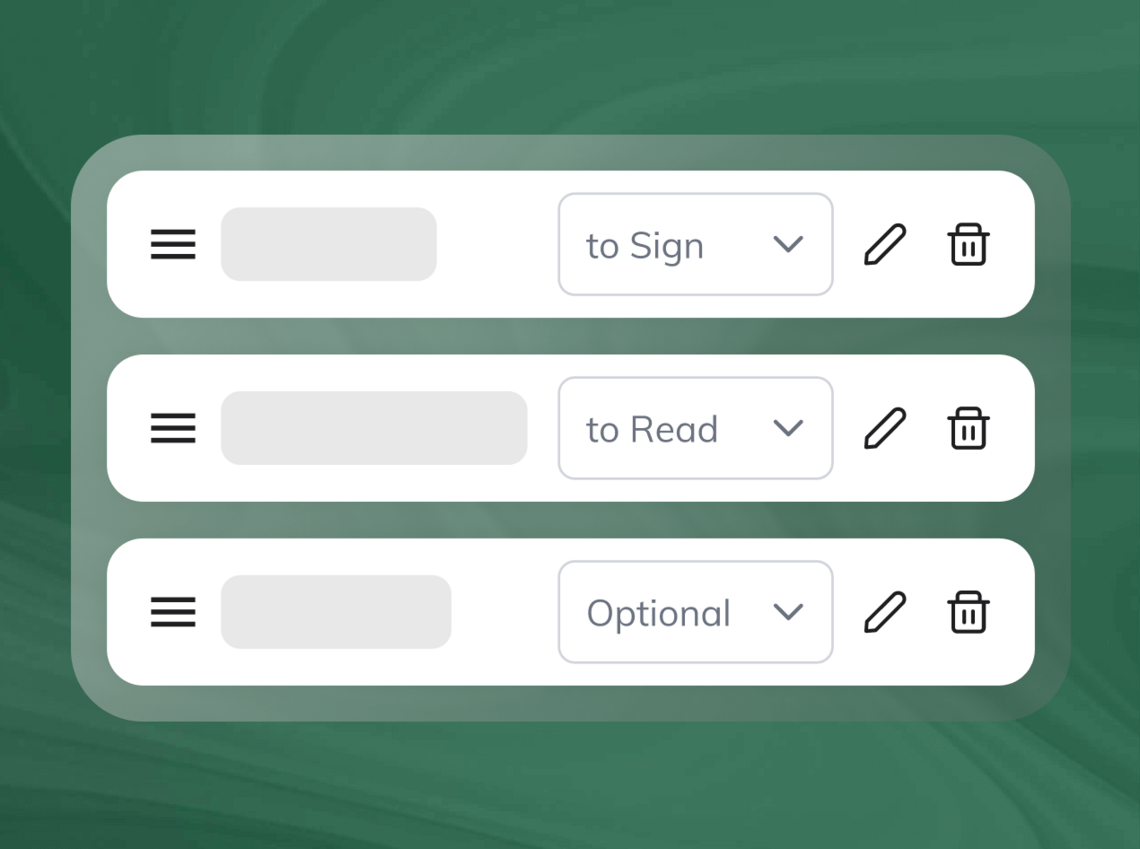
Multiple signatories in a single process
You don't always handle a contract with just one person. For group or corporate trips, it may be necessary to involve multiple signatories in the process.
travel agency prepares the document → client or company signs → another designated person adds their signature
If necessary, you can also set the order of signatories.
Each person signs from their own device and does not need to be in the same location as the others.

Less chasing of clients before leaving
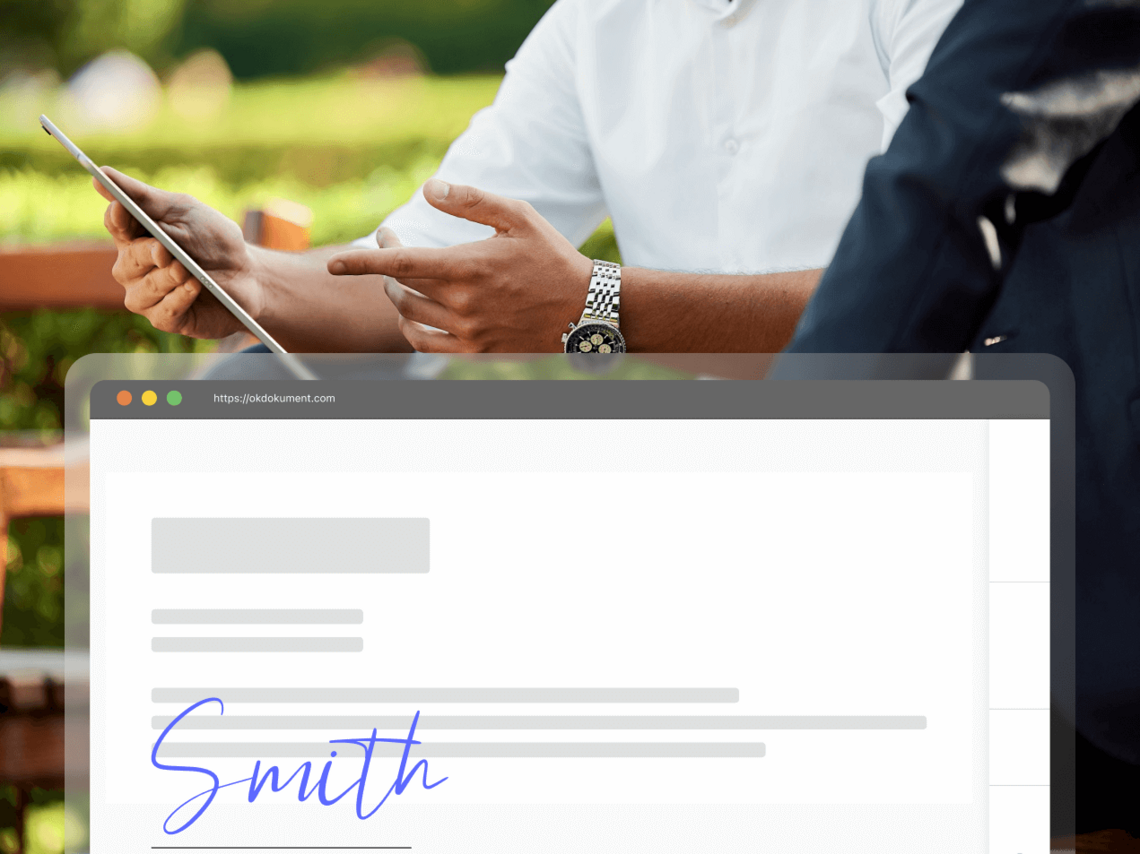
For a trip, the date is fixed. If a document is still awaiting a signature, you need to know about it before the departure date approaches.
In OKdokument, you can see:
- which documents have already been signed,
- which are still awaiting a response,
- to whom you can send a reminder,
- the history of the signing process,
- and any potential envelope expiration.
Instead of searching through emails, you have the signing status in one place. Status tracking, reminders, and history features are part of the currently promoted capabilities of OKdokument.
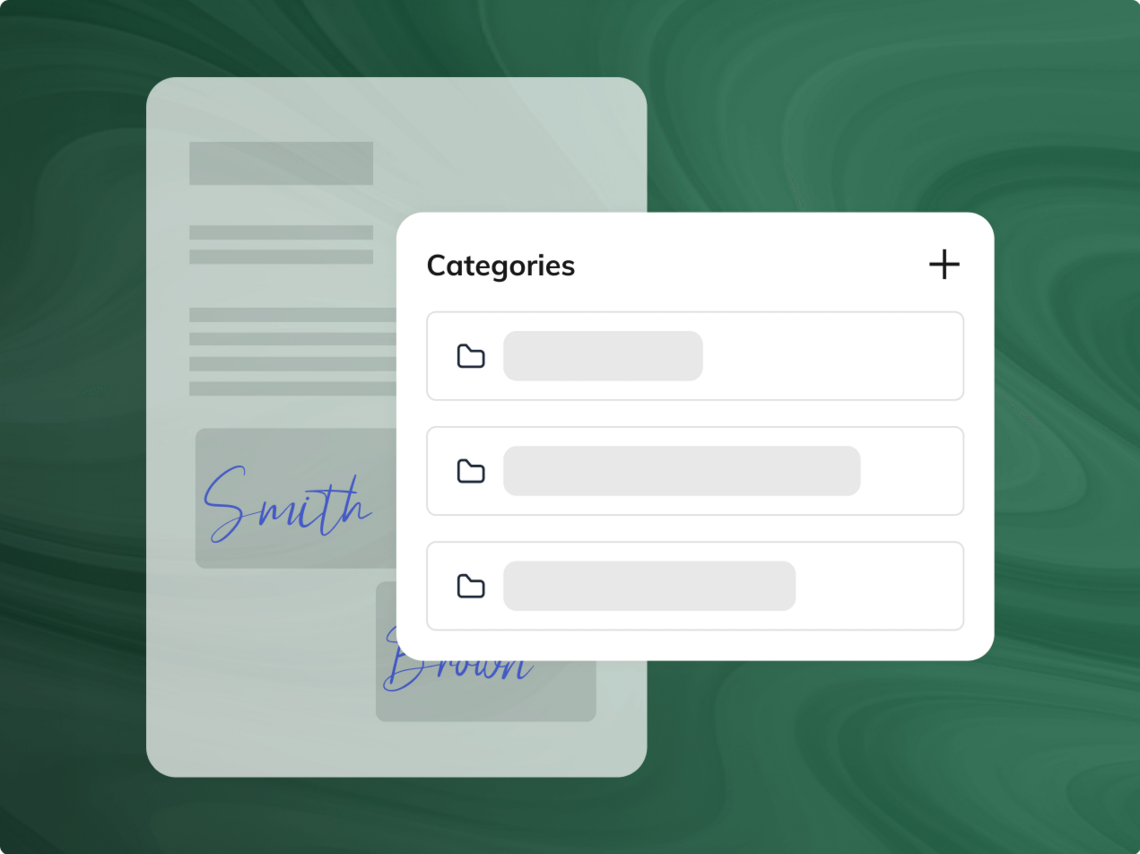
You can organize your documents by tour.
You can use categories to organize your documents, for example, by:
- destination,
- departure date,
- specific tour,
- season,
- branch,
- group or client.
With a large number of bookings, you therefore do not have to search for documents solely by the client's name or email.

Electronic signing for the entire team
If multiple salespeople or branches prepare contracts, each can work within their own account.
The Team package includes 5 Premium accounts, and the administrator can manage users and their access rights.
Suitable, for example, for:
- tour sales staff,
- branch staff,
- reservations department,
- corporate sales,
- back office,
- staff preparing client documentation.
You can customize the signing process with the travel agency's logo and colors.
Notifications in the client's language
When traveling, not every client may be a Slovak speaker. OKdokument allows you to select the language for the notifications the signer receives. You can choose from Slovak, Czech, and English.
The document itself remains in the language in which you prepare it. You can set the notification language separately.

You can sign package tour contracts electronically as early as today.
What documents can travel agencies handle via OKdokument?
Package Travel Contract Amendment to the Contract Order Confirmation General Terms and Conditions Consent to the processing of personal data Insurance documents Program and itinerary Pre-travel instructions Group tour documents Additional booking attachments
Features
Paper vs. electronic process
| Option | Standard process | OKdokument |
|---|---|---|
| Signing the document | check_circle | check_circle |
| Sending the contract to the client remotely | close | check_circle |
| Signing via mobile or computer | close | check_circle |
| No printing or scanning | close | check_circle |
| Multiple documents in a single process | check_circle | check_circle |
| Read-only documents | check_circle | check_circle |
| More signatories | check_circle | check_circle |
| Status monitoring | close | check_circle |
| Email reminders | close | check_circle |
| Categorization by tour or date | close | check_circle |
| History of the signing process | close | check_circle |
| Multilingual notifications | close | check_circle |
Different types of signatures depending on the document
OKdokument supports both the Advanced Electronic Signature (AES) and the Qualified Electronic Signature (QES).

Electronic signing for travel agencies
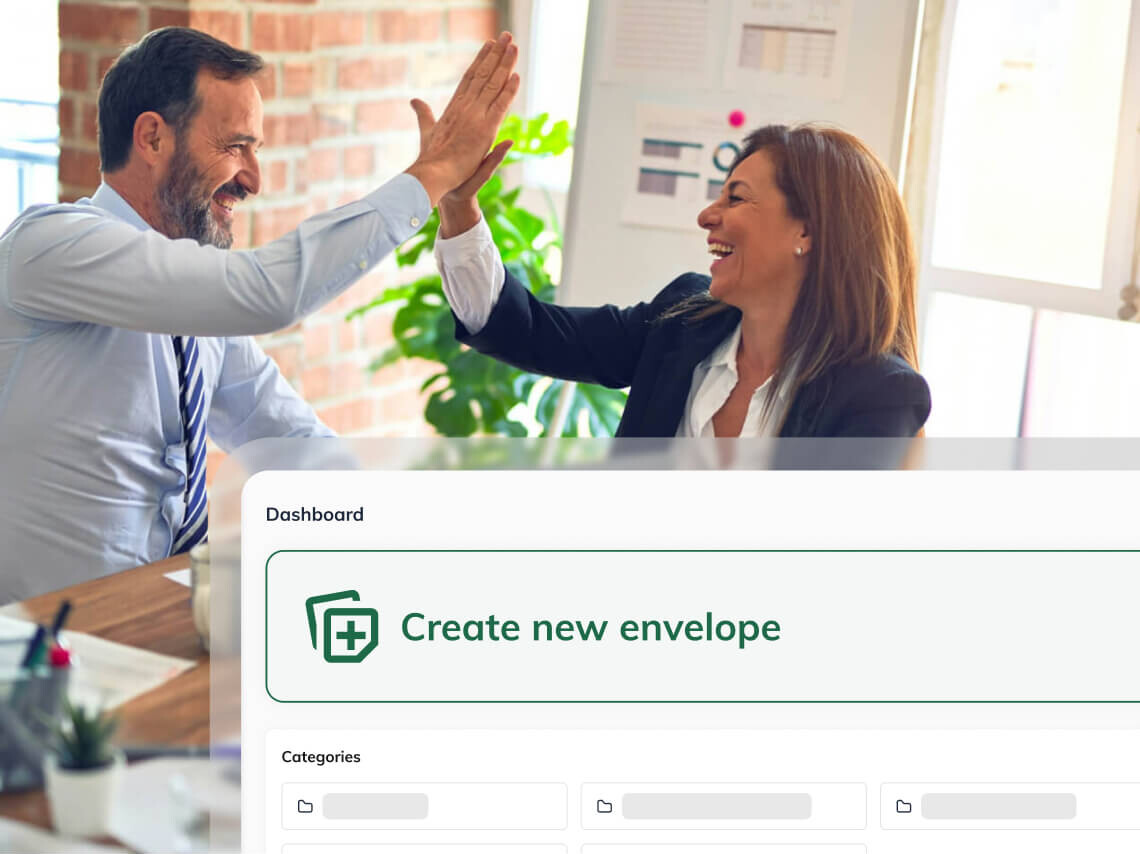
Whether documents are processed by a single person or an entire administrative team, you can choose a package based on your usage needs.
View price listFrequently Asked Questions
No. The client opens the document via a link sent by email and can sign it without creating an account.
Yes. A single envelope can contain documents for signature, documents intended for reading only, and other attachments.
Yes. The document can be opened and signed via mobile phone, tablet, or computer.
Yes. You can add multiple signers to a single process and set their order as needed.
In OKdokument, you can see the current status of the document. If the client has not yet responded, you can send them an email reminder.
Yes. You can use categories to organize your documents by destination, date, branch, tour, or your own rules.
Yes. You can select the notification language for the signer separately. Slovak, Czech, and English are currently available.