
Electronic signature for schools and educational organizations
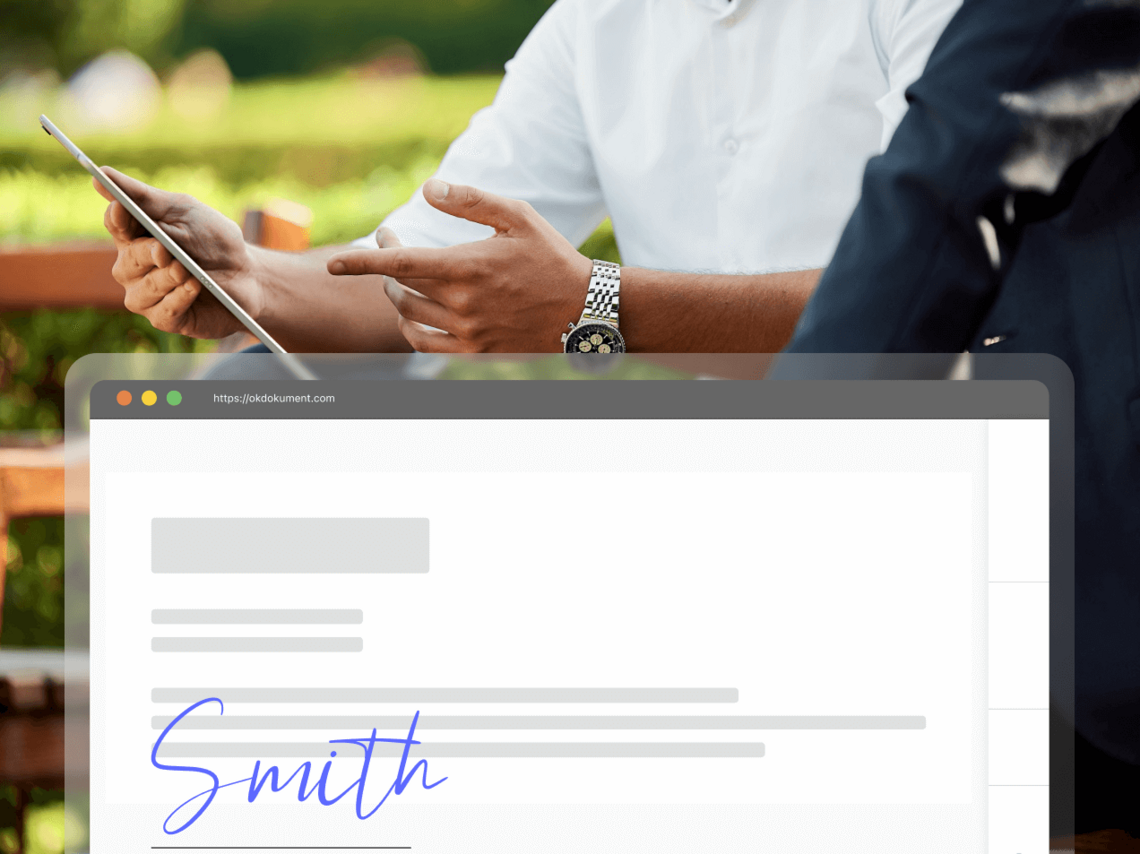
Send contracts, consent forms, applications, and other documents to parents, students, or course participants online. They can sign them via mobile or computer—without the need for printing, scanning, or creating an account.
- No payment details required
- No installation required
- 14 days free

Signing documents online
In the case of kindergartens and private schools, a large part of the administration is still handled via paper documents that the child takes home and must bring back signed. With electronic signatures, the school can send the document directly to the parent via email.
Signing, reading, and attachments in a single process
Upon enrollment in a school or course, or during the school year, the organization may send various types of documents.
You can place the following items in a single envelope:
- documents for signature,
- read-only documents,
- optional attachments,
- organizational instructions,
- internal rules,
- informational documents.
This way, the parent or student receives everything together, and the organization does not have to send multiple separate emails.

Who is OKdokument suitable for?
Preschools and private schools
Parents can sign documents online without their child having to carry them between school and home.
Typical documents:
- consents,
- contracts,
- confirmations,
- organizational documents,
- documents for review,
- amendments and other administrative documentation.
Language schools
Students or parents can complete the application, contract, and related documents online before the course begins.
Typical documents:
- course contract,
- application form,
- consents,
- terms and conditions,
- documents regarding payment or course organization,
- information for review.
Courses and educational centers
Suitable for individual participants and corporate clients alike.
Typical documents:
- training contract,
- course order,
- agreement with a corporate client,
- confirmations,
- consents,
- amendments,
- attachments.
Multiple signatories in a single process
Some documents may require signatures from multiple people.
The organization prepares the document → the parent signs → the student or organization representative adds their signature.
You can also set the signing order if necessary.
Each person can sign from a different location and device.


Less reminding and searching
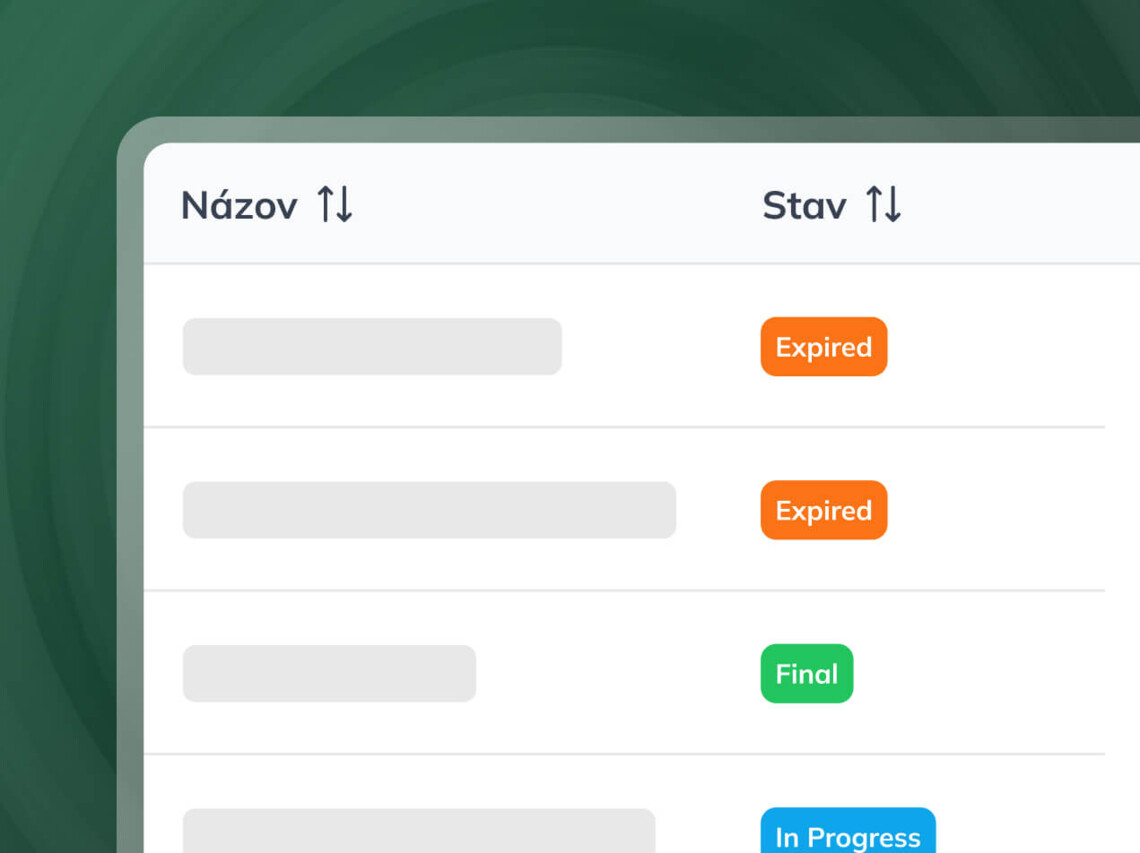
When dealing with dozens of parents or participants, the biggest challenge is often not the signature itself, but maintaining an overview.
In OKdokument, you can see:
- which documents are signed,
- which are awaiting a response,
- who needs a reminder,
- the process history,
- any potential envelope expiration.
You can organize the documents according to your needs.
Using categories, an organization can classify documents, for example, by:
- classes,
- courses,
- branches,
- school year,
- document type,
- client or group.


Electronic signing for the entire team
If multiple people work with the documents, each can have their own account.
The team package includes 5 Premium accounts and allows the administrator to manage users and access rights.
Suitable for, for example:
- school management,
- administration,
- course coordinators,
- branches,
- reception,
- staff handling documents.
You can customize the signing process with a logo, colors, and custom email templates.
Notifications in the recipient's language
This is highly relevant for language schools or international educational organizations.
OKdokument allows you to set the notification language.
The document can remain in the language in which you prepared it, while notifications sent to the signer can be in a selected language.
What documents can schools and educational organizations handle via OKdokument?
Education Agreement Course Agreement Application Form Parental consent Consent to data processing Confirmation Addendum Internal rules Training Order Agreement with a corporate client Attachments for the start or the course
Features
Paper vs. electronic process
| Possibility | Standard process | OKdokument |
|---|---|---|
| Signing the document | check_circle | check_circle |
| Document for a parent at a distance | close | check_circle |
| Signing via mobile or computer | close | check_circle |
| No printing or scanning | close | check_circle |
| Multiple documents in a single process | close | check_circle |
| Read-only documents | check_circle | check_circle |
| More signatories | check_circle | check_circle |
| Status monitoring | close | check_circle |
| Comments | close | check_circle |
| Categorization by classes/courses | close | check_circle |
| Process history | close | check_circle |
| Multilingual notifications | close | check_circle |
Signature type according to the document
OKdokument supports both the Advanced Electronic Signature (AES) and the Qualified Electronic Signature (QES).
The appropriate level of signature depends on the type of document, the requirements for identifying the signatory, and the required form.
Under eIDAS, a qualified electronic signature has a legal effect equivalent to that of a handwritten signature.

Electronic signing for small schools and larger teams alike.
Whether documents are processed by a single person or an entire administrative team, you can choose a package based on your usage needs.
View price listFrequently Asked Questions
No. The signer can open the document via the link sent by email without registering.
Yes. A single envelope can contain documents for signature, documents for reading, and optional attachments.
Yes. You can add multiple signers to the process and set their order as needed.
Yes. In OKdokument, you can see the current status of the envelope and send a reminder to the signers.
Yes. The document can be opened and signed via mobile phone, tablet, or computer.
Yes. You can use categories to organize your documents according to your own needs.
You can select the language for notifications sent to the signer. The available options are Slovak, Czech, and English.