Electronic signing features
From document preparation to the final signature. OKdokument helps you send, sign, organize, and track documents in a single environment—whether you are signing alone, with clients, or as part of a team.
Everything needed for electronic signing
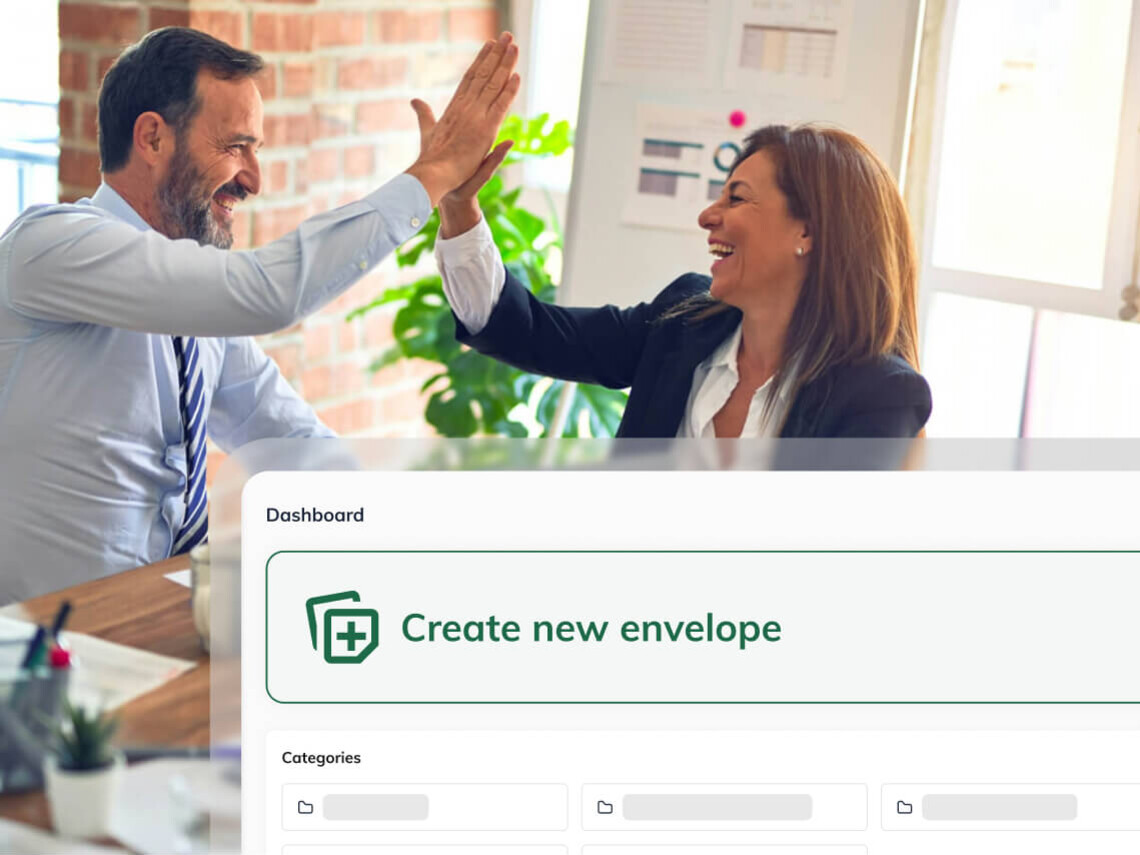
Envelopes
Combine multiple documents into a single signing process. You can include documents for signature, documents for review, and optional attachments all in one envelope. This ensures the signer receives everything they need at once.
Instant, in-person signing
Sign documents right during a meeting. Upload the document and sign it on a mobile phone, tablet, or computer. Ideal for client meetings, branch visits, or fieldwork.
Remote signature requests
Easily send documents for signature via email. The signer receives a link to the document and does not need to create an OKdokument account.
Multiple signers
Involve all necessary parties in a single document. You can send a document to multiple people for signature and assign specific signature fields to each individual.
Signing order
Specify who should sign the document first. You can arrange the signers according to the desired workflow—for example, the company executive signs first, followed by the client.
Multiple signatures per document
A single document can contain multiple signature locations. You can prepare specific fields for each signer to fill out or sign.
Keep your documents under control
Document Status Overview
See the signing status at a glance. Clear indicators show you which documents are awaiting signature, which are completed, and which still require attention.
Notifications and Reminders
Send a reminder about a document without needing a separate email or phone call. If the signing process stalls, you can send a reminder to a specific signer directly from OKdokument.
Envelope History Overview
Track what happened to the document during the process. The envelope history logs the workflow, including status changes and timestamps.
Envelope Expiration
Set a deadline for signing the document. Once the validity period expires, the envelope closes, and no further signing is possible.
Document Categorization
Organize documents to suit your workflow. Create custom categories based on clients, departments, projects, or document types.
Bulk Envelope Actions
Manage multiple envelopes at once. You can download, move to another category, or delete selected envelopes in bulk without opening each one individually.
Default Envelope Settings
Avoid setting up recurring processes from scratch every time. Save default parameters, and they will be applied automatically whenever you create a new envelope.
Security by document type

Two-step verification via SMS or email
Add an extra layer of security before a document is opened. The signer first verifies their access via SMS or email before gaining access to the documents requiring a signature.
Advanced Electronic Signature (AES)
A higher level of electronic signature that includes signer verification. An Advanced Electronic Signature enables signing with a higher degree of identification and links the signature to a specific individual.
Communication with signatories
Sharing signed documents
Send the final document to other recipients as well. You can easily forward the signed document to additional email addresses as needed.
Multilingual notifications
Communicate with signers in their preferred language. You can select the language in which signers receive system notifications during the process.
Dynamic document fields
Prepare the document so the signer knows exactly what information to provide. You can insert signature fields or other data fields into the document, tailored to the specific process.
Signature visualization
The signature appears visibly in the completed document. Signers can insert their signature directly into the designated signature field.

Try electronic signing for 14 days with no obligation
Team features

A unified signing process for the entire team
When multiple people work with documents, there is no need for everyone to establish their own individual workflow. The team package combines user accounts, company settings, and signing management into a single solution.
User management
An administrator can add and manage team members according to the company's current needs.
Document overview for administrators
Administrators gain an overview of all documents managed within the team account.
Custom design and branding
Add your own logo and corporate colors to ensure the signing process visually aligns with your brand.
Post-signature redirection
After the signing process is complete, you can redirect the client to a custom thank-you or information page.
From sending to signing in a few steps
Frequently Asked Questions
No. When a signature is requested, the recipient receives a link via email and can sign the document without creating an account.
Yes. You can combine documents for signature, documents for reading, and optional attachments in a single envelope.
Yes. You can add multiple signers to the process and assign them their own signature fields and signing order.
Yes. You can use the instant signature feature on a mobile phone, tablet, or computer—for example, during an in-person meeting.
You can view the current status of the document directly in OKdokument, and if a signature is pending, you can send a reminder.
Features for various work situations
You don't have to use OKdokument for just one type of document. You can adapt the same functions to various company processes.

Try out the features of OKdokument in practice.
Prepare the document, set up the signers, and send it for online signature or sign it on the spot.
Try for free