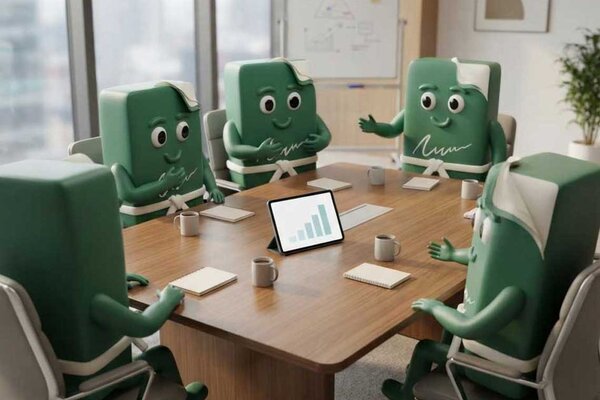
An electronic signature solution for businesses need not be a tool for just one individual. When multiple colleagues prepare contracts, orders, work documents, or other administrative materials, the company needs to configure the signing process so that everyone can work independently while the entire team operates consistently.
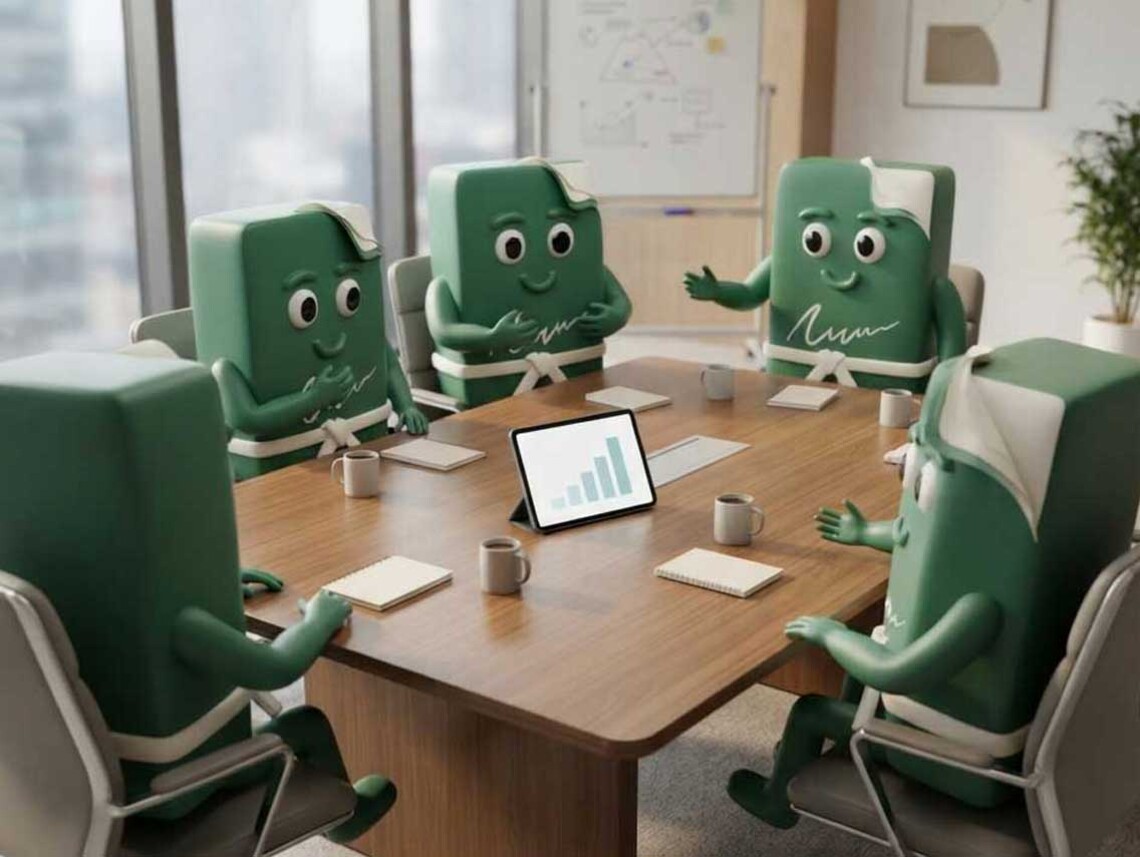
The OKdokument team solution therefore combines multiple user accounts, centralized access management, and options for adapting the signing process to the company brand. The result is not merely more accounts, but a unified approach to electronic signing across the company.
Why one account is no longer enough for a company
At first, electronic signing in a company may be handled by one person. They prepare the document, send it for signature, and check whether the process has been completed successfully. However, as the number of documents grows, this model quickly reaches its limits.
A sales representative needs to send a contract to a customer, the HR department is preparing documents for a new employee, and administration is waiting for an agreement with a supplier to be signed. If all processes go through a single account and one colleague, an unnecessary bottleneck is created.
The problem most often manifests itself as follows:
- several colleagues wait for one person to send the document,
- one user account or login credentials are shared,
- it is not sufficiently clear who is preparing and managing a particular document,
- different departments create their own ways of working,
- as the number of documents grows, maintaining an overview becomes increasingly difficult.
The solution is not to share one password among several employees. The company needs to separate users, their access rights, and responsibility for documents, while also enabling them to use the same method of electronic signing.
This is precisely where electronic signatures for teams begin to make sense. Electronic signing also allows companies to scale and streamline business processes gradually, without manual administration having to grow at the same rate as the volume of documents.
Who uses electronic signatures in a company
Electronic signing is not intended only for the sales or administrative department. The same solution can be used by several parts of the company, each working with different documents and processes.
| Department | Typical documents | Example use |
| Sales | contracts, orders, quotations, amendments | |
| HR department | employment documents, agreements, internal documents | signing documents when an employee starts work and during onboarding |
| Administration | supplier contracts, orders, reports | preparing and monitoring documents across the company |
| Management | contracts, approvals, agreements | signing documents that require the consent of an authorized person |
For example, the sales department can electronically sign orders or business contracts. If sales representatives work directly at customers’ premises, electronic signatures can also be used to close a deal during an in-person meeting.
The HR department can use the same solution for employment documentation and onboarding. Electronic signatures help simplify processes from recruitment and the signing of employment documents through to the subsequent steps associated with an employee starting work. The possibilities of electronic signing in HR, recruitment, and onboarding are practical examples of how the same technology can be used across different parts of a company.
Administration or management can, in turn, work with supplier contracts, approvals, or other everyday business matters. The company therefore does not have to introduce a different way of working for each department. One electronic signing solution can cover several business processes.
Every team member has their own workspace
If several people work with documents regularly, each of them needs the ability to prepare and monitor their own signing processes. The OKdokument team package includes at least 5 Premium accounts, enabling team members to independently:
- prepare documents and signing processes,
- send documents for signature,
- manage their own document agenda,
- monitor the progress and status of signing.
A sales representative therefore does not need to ask administration to send a contract on their behalf. An HR specialist does not need to wait for a colleague who has access to the shared account. Everyone works in their own user workspace and can handle the documents for which they are responsible.
This is important not only for convenience, but also for a clearer division of responsibility. As the number of documents grows, it is easier to know who is preparing and managing a particular process than to coordinate the entire agenda through a single shared login.
User and access management remains under the company’s control
The independence of team members does not mean that the company loses control over who can use the service. The team solution includes an administrator who manages individual users’ access rights. When a new colleague joins the company, they can be given their own access. If someone changes positions or leaves the company, the administrator can manage users according to the current situation.
The company therefore does not have to share login credentials or change a common password whenever the composition of the team changes. This model is particularly practical for smaller and growing companies. Electronic signing can adapt as the team itself changes, without the need to change the basic way of working with documents.
One team can have multiple signing processes
A unified solution does not mean that all documents must go through the same process. The sales department may need to send a contract or order to a customer as quickly as possible. The HR department may work with several documents that a new employee must sign or read. Administration may require the signatures of several authorized persons in a specific order.
OKdokument makes it possible to work with envelopes containing several related documents. Depending on the specific process, documents may be intended for signature or reading, or attached as supplementary files.
A company can therefore have one shared tool but different workflows depending on whether the process involves:
- closing a deal with a customer,
- onboarding a new employee,
- signing a supplier contract,
- internal approval of a document,
- having a document signed by several authorized persons.
Electronic signing therefore does not have to change the existing division of work between departments. On the contrary, it can transfer it into one consistent digital environment.
How to establish a unified signing process in a company
When one person uses electronic signatures, they can keep the workflow under control relatively easily. With dozens of signing processes created by different colleagues, clear internal rules become helpful.
A company can create a simple standard that specifies, for example:
- how to categorize individual types of documents,
- who should sign a particular document,
- the order in which the individuals should sign,
- when additional verification should be required,
- who should receive the final documents upon completion,
- how to proceed with documents that remain unsigned.
For more sensitive documents, it may be appropriate, for example, to strengthen access security with a one-time password sent by email or SMS. Unified rules have a simple objective: the client or business partner should receive a consistent signing process regardless of which employee prepared the document.
At the same time, the company gains a simpler internal workflow. Instead of every colleague creating their own way of working, the team uses a shared logic that can be repeated for subsequent documents.

Try the team version of OKdokument and set up electronic signing to work for your entire team.
Contact usCompany branding continues throughout the signing process
The signing process is also one of the points of contact between a company and its customer, employee, or business partner. When a client receives a document for signature, they should not feel that they have been moved into a completely unfamiliar environment. This is also why the OKdokument team solution makes it possible to customize the signing process with the company’s own logo and corporate colors.
Electronic signing thus visually follows on from the company’s other communications. The client encounters the brand they know from the website, business communications, or previous contact. Branding is therefore not merely an aesthetic detail. It helps create a consistent customer experience from the first contact through to signing the document.
What should happen after signing
With electronic signatures, the greatest attention is often paid to the moment of signing itself. From the perspective of the customer journey, however, what happens immediately afterwards is equally important.
| Signed document | Possible next step |
| employment documentation | onboarding a new employee |
| order | payment or order confirmation |
| business contract | information about service delivery |
| service document | further instructions or customer support |
After a successful signature, the OKdokument team package makes it possible to redirect the signer to the company’s own website. The company can prepare a page with a thank-you message, next steps, or additional information. Instead of a dead end, the electronic signature becomes a transition to the next step in the customer or employee journey. A signature does not have to be the end of a digital process. It can be its trigger.
How to maintain an overview with a larger number of documents
As the number of users grows, the number of documents naturally grows as well. A company therefore needs not only the ability to sign documents, but also a way to navigate them. The following are particularly helpful in day-to-day work:
- categories, which make it easier to separate different types of documents,
- envelope statuses, which show which processes are waiting to be completed,
- envelope history, which makes it possible to review the course of the signing process,
- bulk actions, which simplify working with a larger number of documents.
With a larger volume of documents, it is precisely these features that determine whether digitalization genuinely simplifies administration. Simply replacing paper with a PDF document is not enough. A company needs to be able to find a document, check its status, and determine what happened to it during the signing process.
Electronic signatures thus become part of a broader digital workflow. They can also help reduce printing, the physical handling of documents, and other paper-based administration. An article on the transition to paperless and more sustainable business processes explains more about these benefits.
When electronic signatures for teams make sense
A team solution does not have to be intended only for large companies. It often begins to make sense in a smaller company precisely when signing is no longer the task of one person. Switching to a team solution is particularly worth considering when:
- documents are regularly prepared by several employees,
- electronic signatures are used by multiple departments,
- colleagues rely on one shared account,
- the number of contracts and signing processes is growing,
- the company needs to centrally manage user access,
- it wants to unify the way it sends documents to clients and partners,
- it wants to adapt the signing process to its own brand.
Electronic signatures for businesses should scale with the company. If the number of employees, clients, and signing processes increases, this should not automatically mean more manual coordination. The OKdokument team package enables individual team members to work independently while the administrator manages their access.
Company branding helps maintain consistent communication with clients, while post-signature redirection makes it possible to connect the signature naturally with the next step in the process. The result is not merely more accounts. It is one shared way for the company to work with electronic documents across the team.
As the team grows, the signing process can grow with it
Electronic signing works best when it reflects the way the company actually works. If documents are prepared by several colleagues and departments, they do not all have to rely on one account or one person.
With the OKdokument team package, team members receive their own Premium accounts, while the company retains control over users, a consistent customer experience, and a shared way of working with documents.
Frequently Asked Questions About Electronic Signatures for Teams
The team package includes 5 Premium accounts. This allows team members to independently prepare, send, and track their signing processes.
No. The purpose of the team solution is precisely the ability to work using separate user accounts, thereby keeping individual users and their access rights distinct.
User access is managed by an administrator, who can tailor it to current needs and the composition of the team.
Yes. The same solution can be used by departments such as sales, HR, administration, or management, with individual users working with different types of documents and signing processes.
Yes. The team package allows you to customize the signing process with your own logo and corporate colors, ensuring consistency with the company's other communications.
The company can redirect the signer to its own website—for example, to a thank-you page, an onboarding page, information on the next steps, or another relevant page.